Changing logon screen in Windows 7
Step 1: Modify the registry value.
Open the registry by typing "regedit" on windows run (windows key + r).
Go to:
HKEY_LOCAL_MACHINE>SOFTWARE>Microsoft>Windows>CurrentVersion>Authentication
>LogonUI>Background
Select OEMBackground and change value to "1"
Step 2: Copying background pic
Copy the pic which you want to make as logon background to C:\Windows\System32\oobe\info\backgrounds
(Make sure the pic is less than 250kb in size.)
If the folder info/backgrounds is not there, please make it.
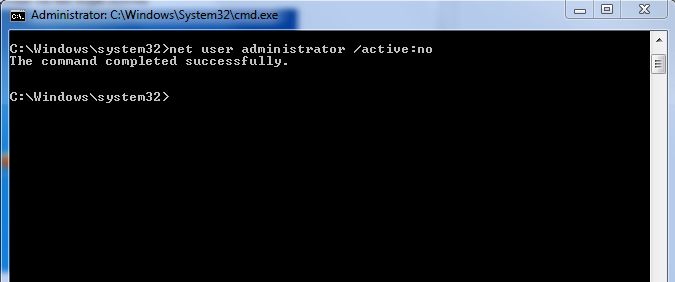
In case you are not able to copy the pic to the mentioned destination, try using Administrator account.
(
Click here to know how to enable Administrator account).
Now when u log off of or lock you user account, you can see the logon background has changed to new one.